Guide
Overview
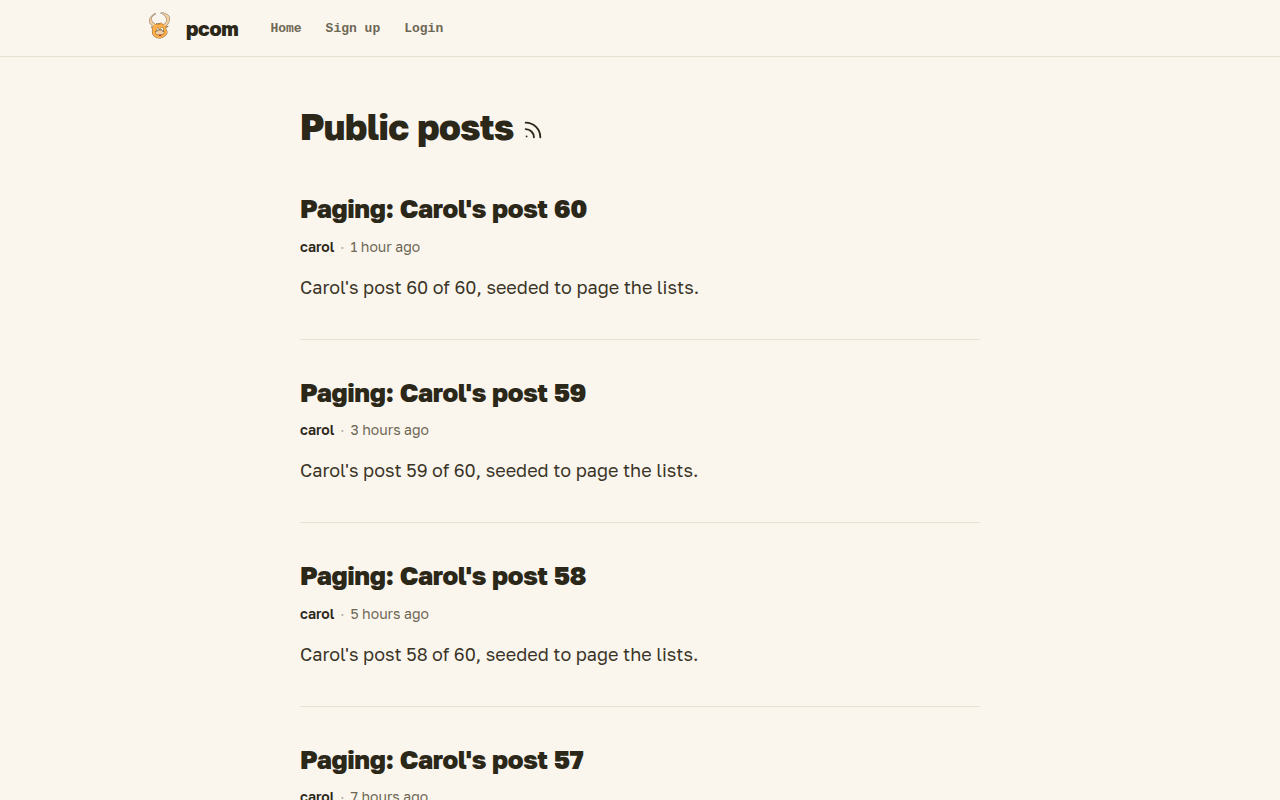
Pcom is a small social network and blog where who can read what follows who is connected to whom. You write posts, choose how far each one travels, and find new people through the people you already know.
Connections
Connections decide who sees your posts and who can talk to you. You can invite someone by email, allow a known user to connect, or ask mutual connections to vouch for you, and each post and profile has a visibility that follows from these links.
Writing
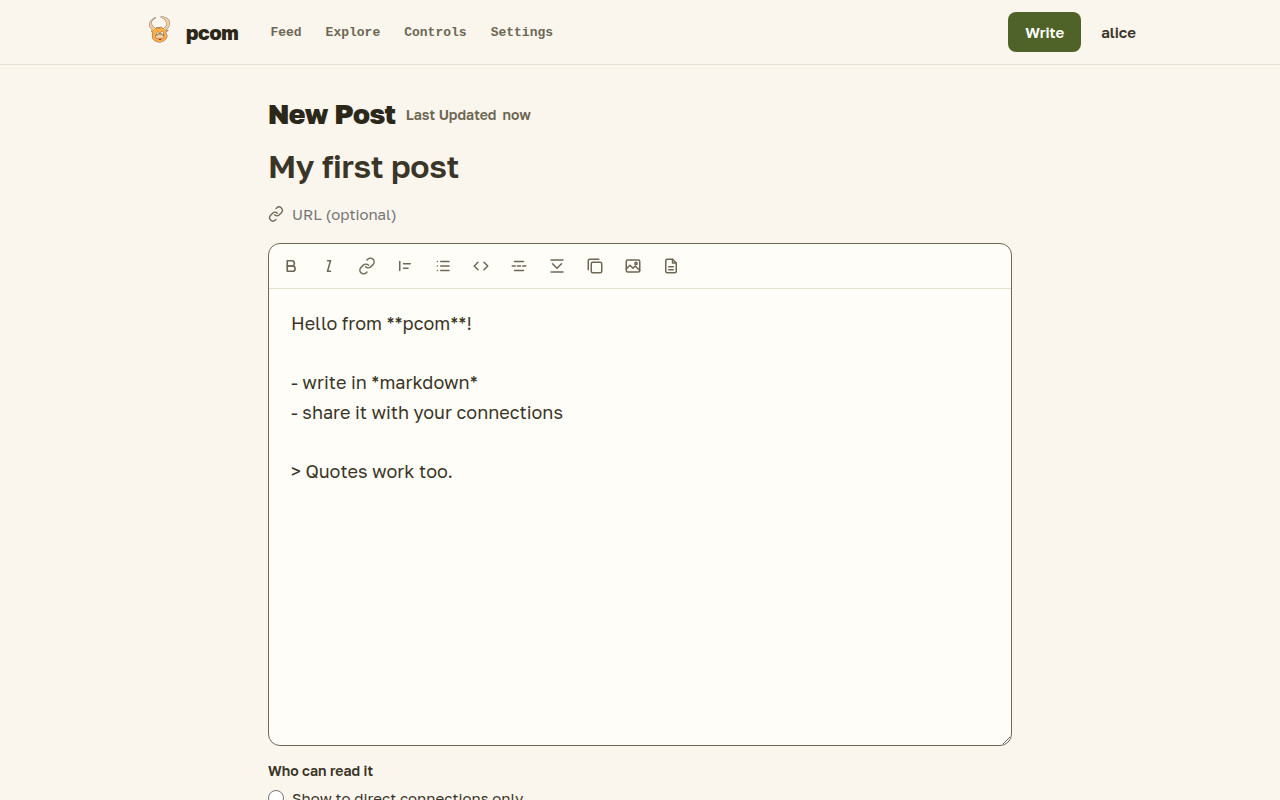
You write posts in markdown, save them as drafts, preview them and publish when they are ready. Each post has its own visibility, and you can hand a single post to anyone with a share link.
Feed and RSS
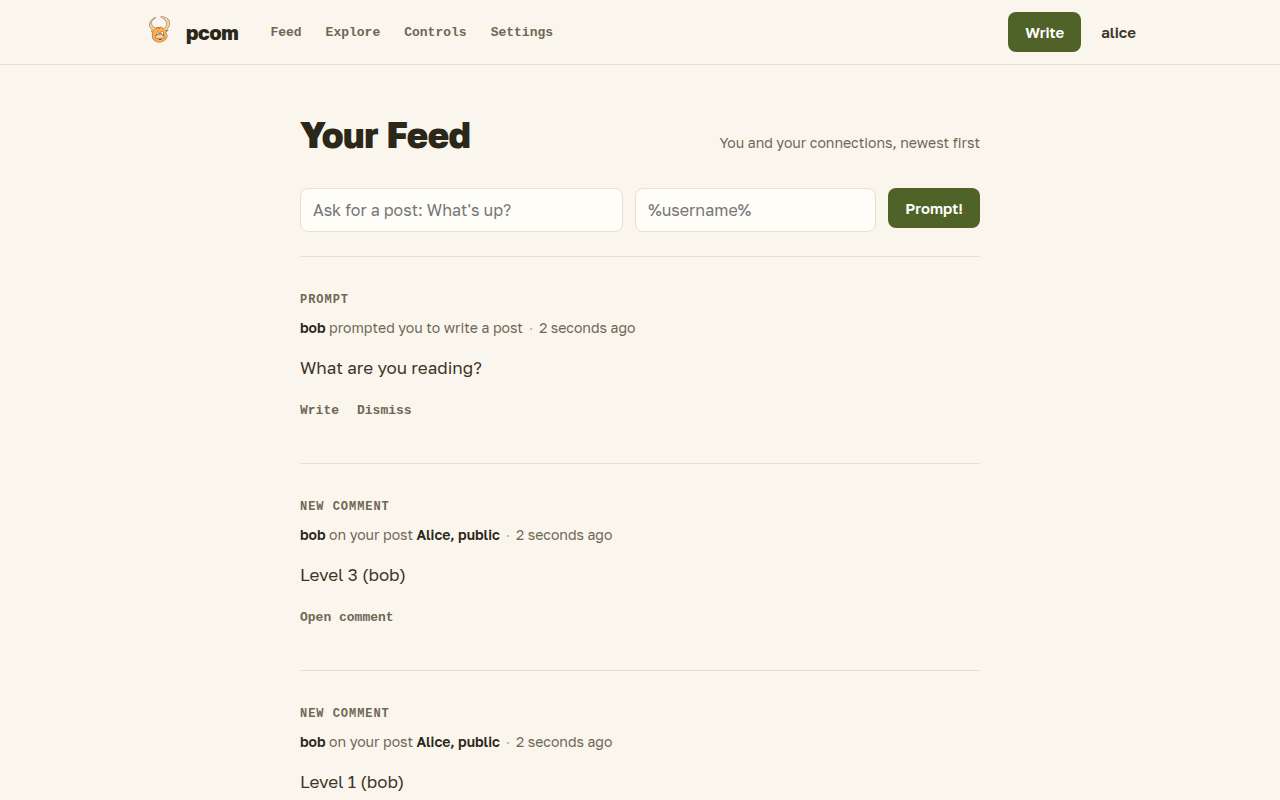
You read what your connections write in your feed, look around at public posts in Explore and follow outside blogs by RSS. Public posts are also listed for anonymous visitors and in a public RSS feed.
Comments
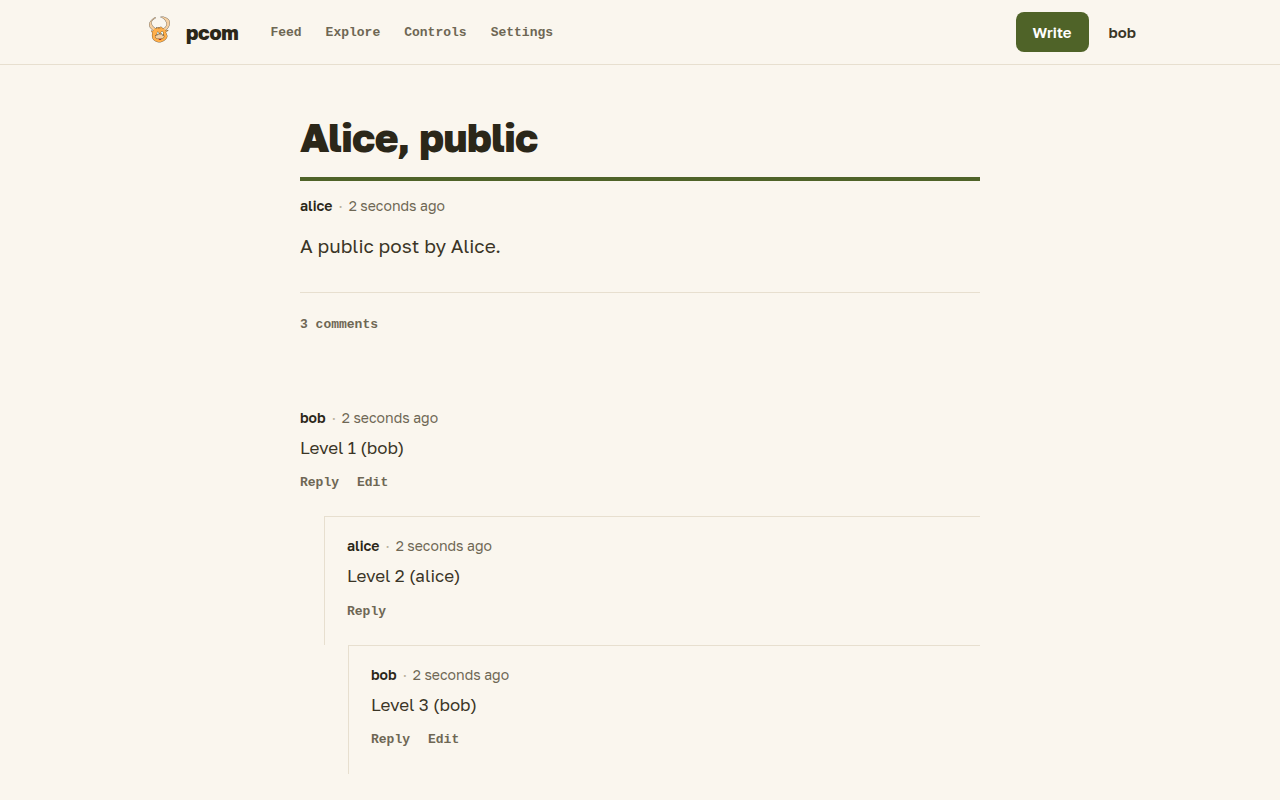
You can comment on posts of your direct connections and on your own posts, and reply to other comments. You get an email when somebody joins a discussion you are part of.
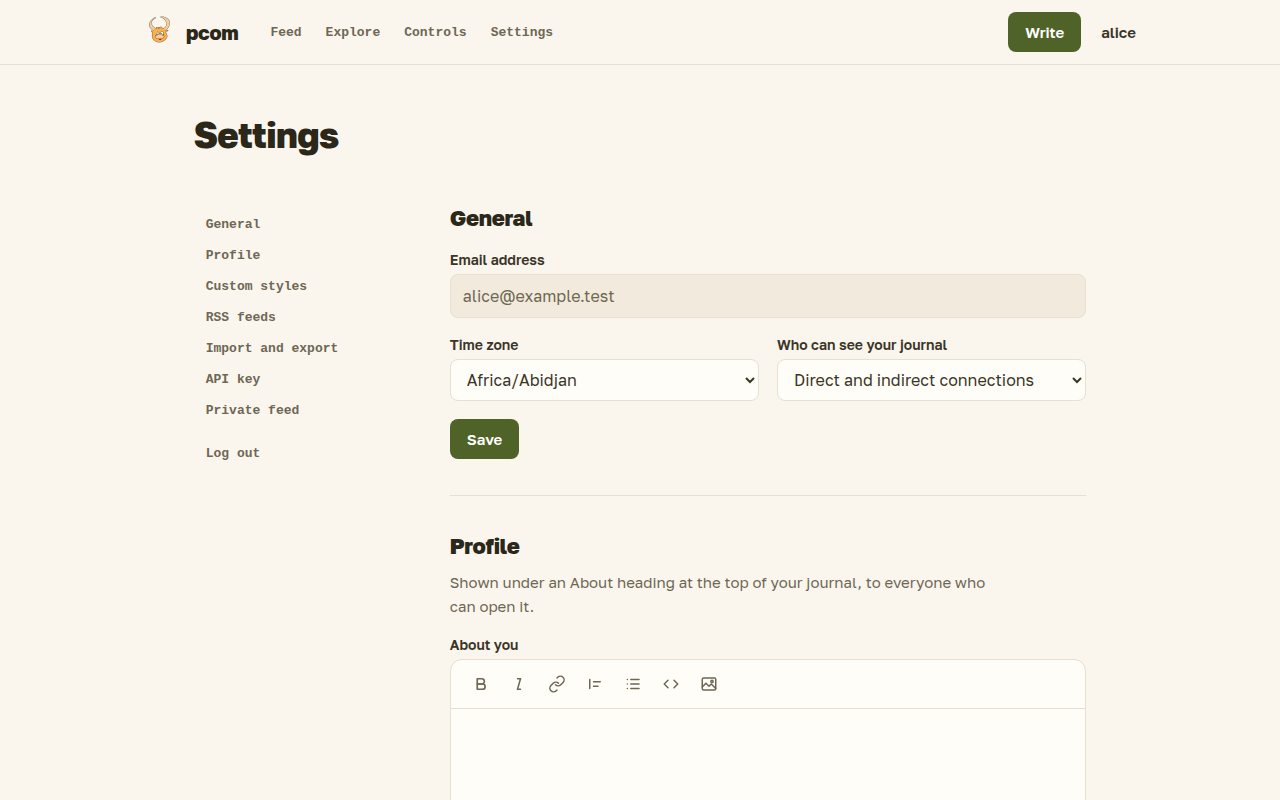
Settings
Settings is where you manage your account: who can see your profile, invitations, feeds, API key and a backup of your posts. Open it from the Settings link in the header menu.
API and blg
You can create, edit, publish, list and delete your posts, and upload images, over an HTTP API with your personal API key. blg is the official command-line client built on it.
Self-hosting
Pcom is open source, and you can run your own instance. A local copy needs only Docker and starts with a few commands, including sample users and posts.
Quick start
Docker is the only dependency. Cold start, seeded users, ports, everyday commands and troubleshooting are in docs/running.md:
cp .env.example cmd/web/.env
make dev-up && make migrate && make seed
make dev        # app and asset watcher in containers, http://localhost:8080
Every setting is an environment variable (or flag) listed by go run ./cmd/web serve --help; other commands have their own --help. Defaults are production values, so cmd/web/.env (copied from .env.example) and compose turn off what doesn't fit plain-HTTP localhost, and log in the console format instead of JSON.
Local development uses tommy for mail and S3:
- Mail: sent to tommy's Mailjet provider, view at http://localhost:8811/ui/
- Uploads: stored in tommy's S3 bucket
pcom-media, browsable at http://localhost:8811/ui/
Tests
make check   # build + all tests, no artifacts
make test    # tests only
make lint    # golangci-lint
Docker must be running: tests that touch the database start a Postgres
container via pkg/testutil/testdb. Tests that verify mail and media use
pkg/testutil/tommy to read from the tommy container.
Browser tests
User flows (forms, htmx swaps, Stimulus controllers) are tested in a real
Chromium driven by playwright-go.
They live in e2e/browser behind the build tag browser, so make test and
make check don't run them.
make ui-deps    # once: installs the Playwright driver and Chromium
make test-ui    # builds the frontend, then runs the suite
make test-ui RUN=TestSmoke COUNT=3                  # narrow it, repeat it
make test-ui HEADED=1 SLOWMO=250 RUN=TestSmoke_LoginAndBoostedNavigation
make ui-trace F=.ui-artifacts/<Test>.trace.zip      # inspect a failure
Chromium runs headless by default, so no window opens and a passing run
prints only ok: test-ui. Add HEADED=1 to see the browser and SLOWMO=<ms>
to slow each step down. Narrow the run with RUN when watching, because the
tests run in parallel and each one opens its own window. A failed test saves a
screenshot and a trace under .ui-artifacts/ and prints their paths.
docs/testing.md explains how the suite works and how to write a test.